The partner dashboard: a window into a program you are not running
Two weeks after Capital went live, here is where you watch it work. Customers, offers, applications and agreements, plus the controls that decide how it looks and who sees it.
We shipped Capital two weeks ago. The first question every partner asked, roughly nine minutes after going live, was the same one: fine, but where do I watch this?
Reasonable. You have just put a financial product inside your software. You are not running any of it, and you still have to answer for it in a board meeting.
So: the partner dashboard.
The whole program, on one screen
Offers out, applications in flight, agreements live, money moving. It is the same data your team would have had to assemble from four places, except nobody assembled it.
Your customers, with the capital attached
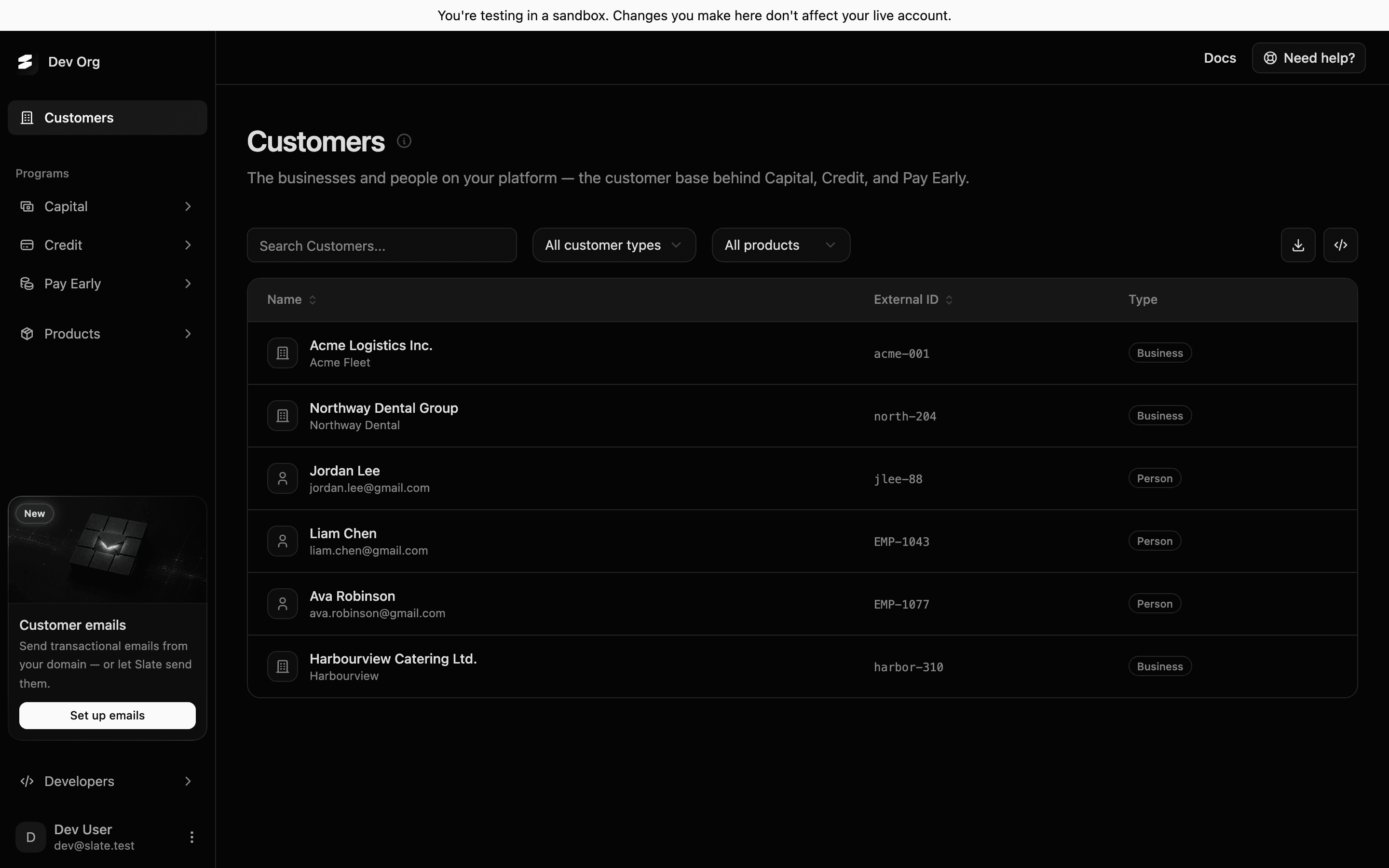
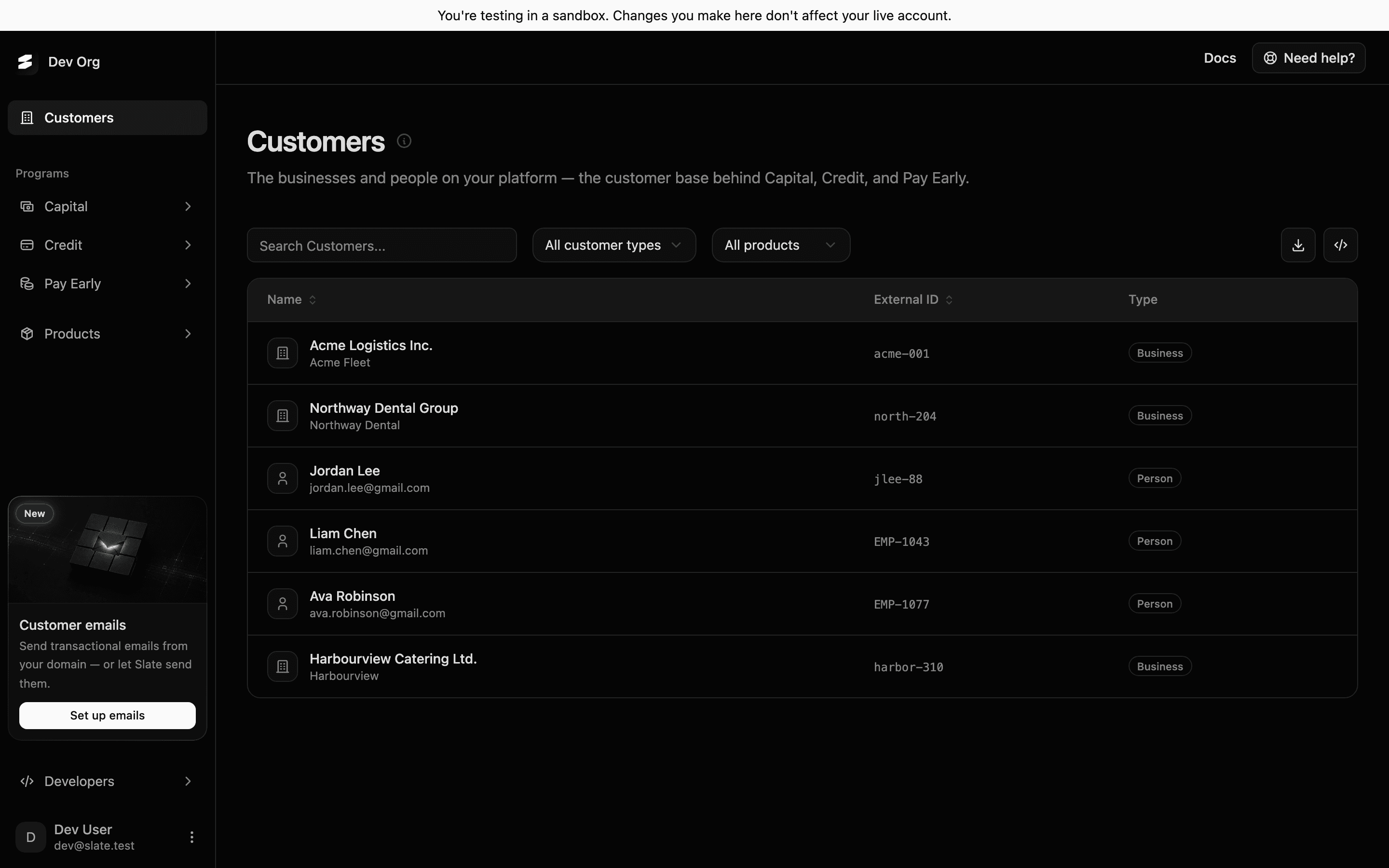
This is the list your team already works from, with one column added: who is pre-approved and for how much. Population control is implicit and worth saying plainly, because people ask. We only ever see the customers you create through the API. Nobody else on your platform exists to us.
Everybody is re-scored on a fortnightly sweep, not once at signup, so the list moves as the businesses on it move.
It looks like you, because you set that
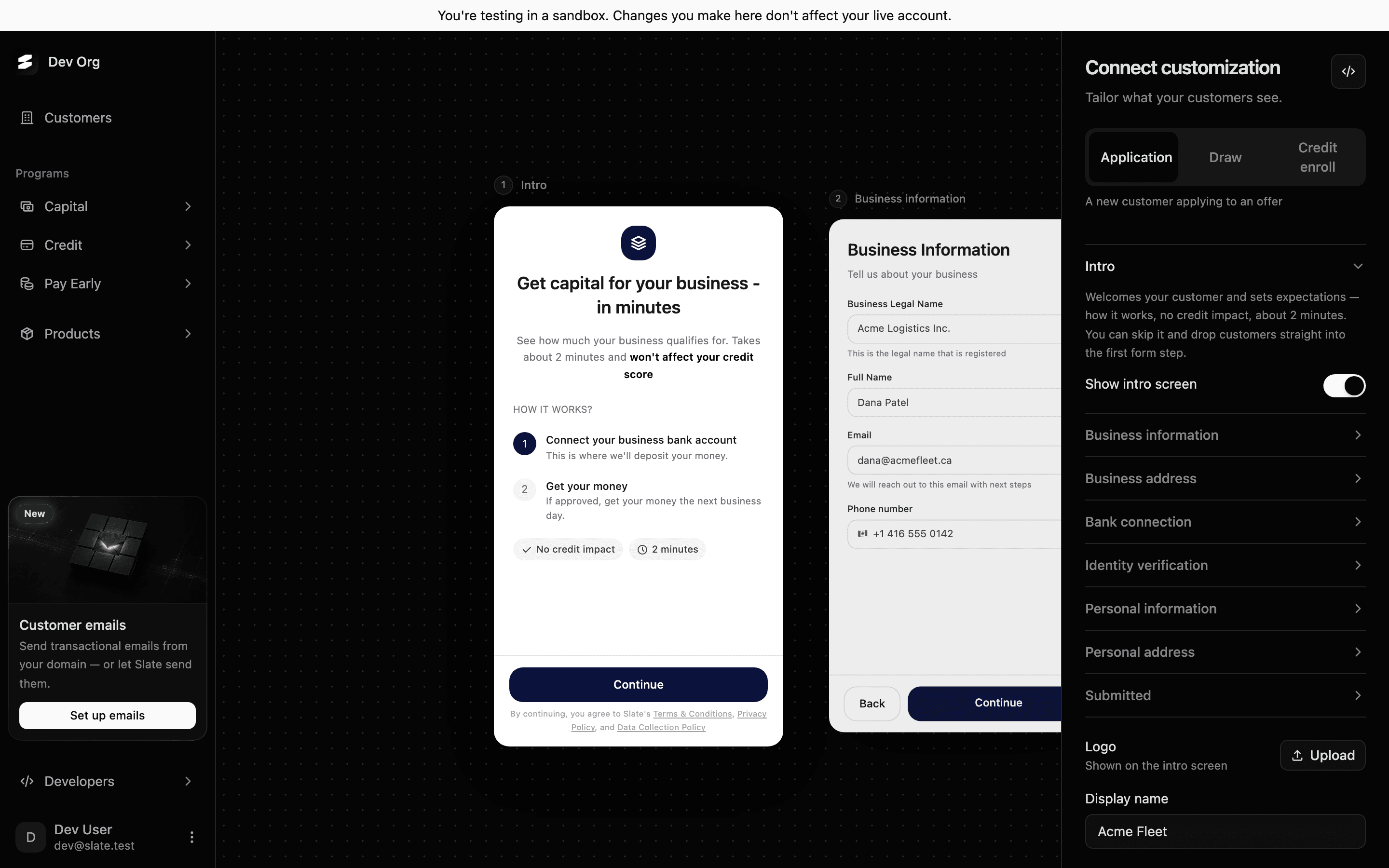
Logo, display name, and colours for three surfaces: the application, the pre-approval banner, and this dashboard. Your customers go through a flow that carries your name and get emails from a domain you own. We are not in the room.
The application steps have toggles too. Turn off what you do not need, with one exception: switching off government ID verification needs our approval for your organisation, because that one has consequences we own.
For the people who would rather read the API
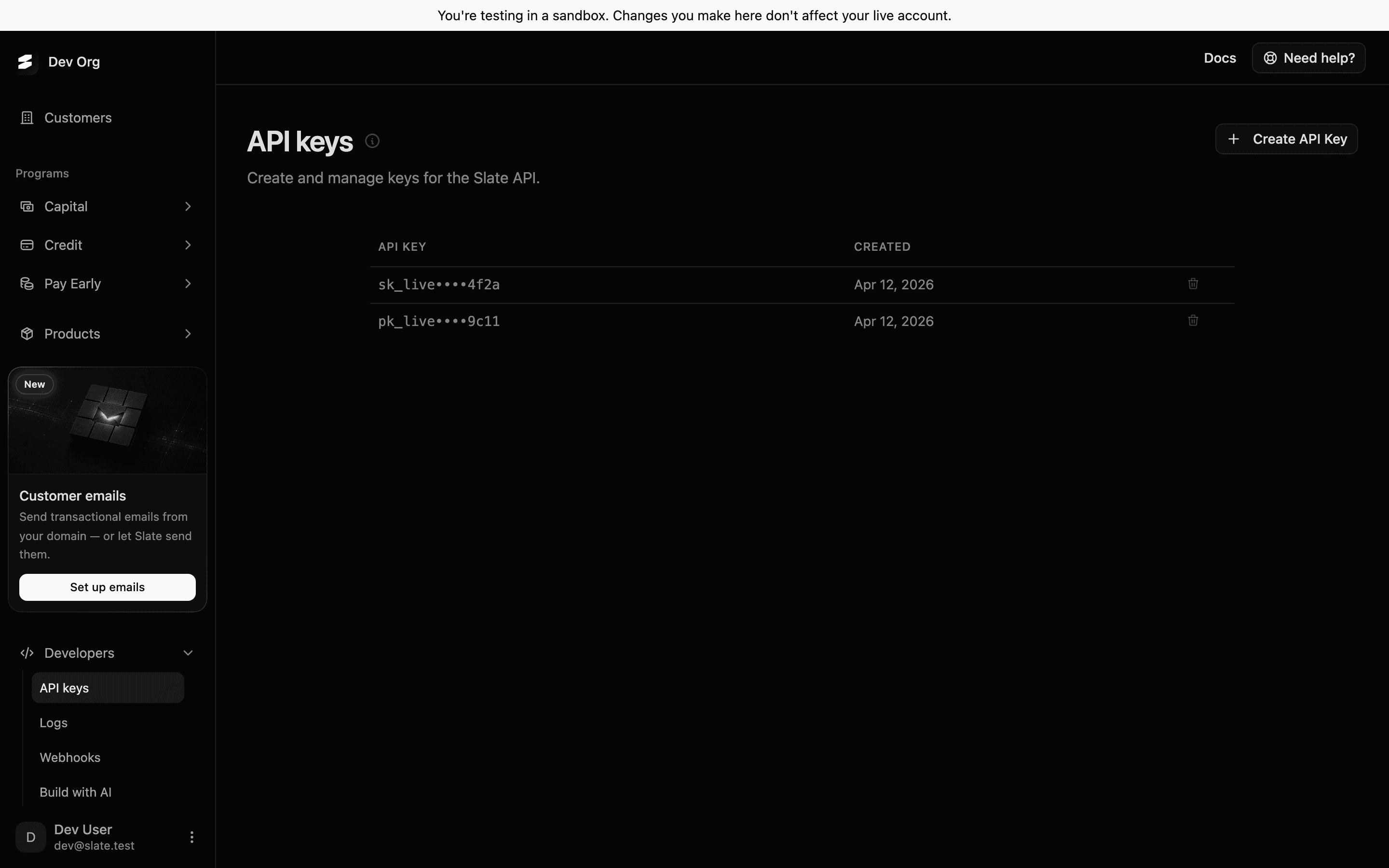
API keys, webhook endpoints, team access, email configuration. Every state change fires an event: customers created and updated, pre-approvals created, expired and consumed, applications submitted, approved and rejected, bank verification finished. If you would rather live in your own tools, everything in this dashboard is on the API.
What you cannot do here, and why
We would rather tell you now than have you find out in a demo. There is no per-account exclusion, you cannot set your own offer caps, and there is no self-serve pause button for the program. Those are conversations with us, not switches, because each one changes what we are underwriting.
What you can do is see everything, brand everything, and control who ever enters the program in the first place.
If you are already live on Capital, this is turned on. If you are not, come see it with your own numbers in it.